· mQuark · Announcements · 5 min read
Introducing Native Webhooks: Every Endpoint Is Now a Webhook
Every deployed Actionful endpoint now ships with a secure, configurable webhook URL — connect Stripe, GitHub, Shopify, or any external sender with zero extra setup.

Workflows are at their best when the outside world can trigger them. A payment succeeds in Stripe, a pull request merges in GitHub, an order ships in Shopify — and your workflow reacts, instantly. Until now, wiring that up in Actionful meant treating your endpoint like an API: credentials, headers, a client that knows how to call you.
But webhook senders don’t work that way. Stripe won’t do a Basic auth handshake. GitHub sends what it sends, to the URL you give it, and expects you to be ready.
Today we’re closing that gap. Every Actionful endpoint now has a native webhook — a short, secure URL that any external service can call directly, with any HTTP method and no client credentials. Deploy an endpoint, and it is webhook-ready the moment it goes live. No extra setup, no glue services, no proxy functions.
One URL, Zero Ceremony
When you deploy an endpoint, Actionful automatically provisions its webhook:
https://…/wh/{token}The token is a 128-bit secret generated from a cryptographic random source — possession of the URL is the authentication, the same trust model Stripe and GitHub themselves use for their webhook endpoints. Paste it into any provider’s webhook settings and you’re live.
The URL is stable across redeploys: iterate on your workflow logic as much as you like, and the address you registered with your providers keeps working. If a URL ever leaks, rotate the token with one click — the old URL dies immediately, and you get a fresh one.
You Decide How It Behaves
The webhook is configurable operational state, editable on the fly from the new Webhook tab on the Endpoint page — no redeploy needed:
- Allowed methods — accept only
POST, open it up to any method, or anything in between. Disallowed methods get a proper405with anAllowheader. - Sync or async — in sync mode, the sender waits for your workflow to finish (up to a configurable timeout) and receives its real output. In async mode, the sender gets an immediate
202with anMq-Instance-Idand your workflow runs in the background — perfect for fire-and-forget event streams. - Sub-paths — optionally accept calls on paths beneath the webhook URL (
/wh/{token}/orders/created) and route on the remainder inside your workflow. - Enabled switch — pause a webhook without losing its URL or configuration, and flip it back on when ready.
Endpoints created before this release are never silently exposed: their webhook stays disabled until you explicitly enable it from the Webhook tab.
The Full Request, as Typed Data
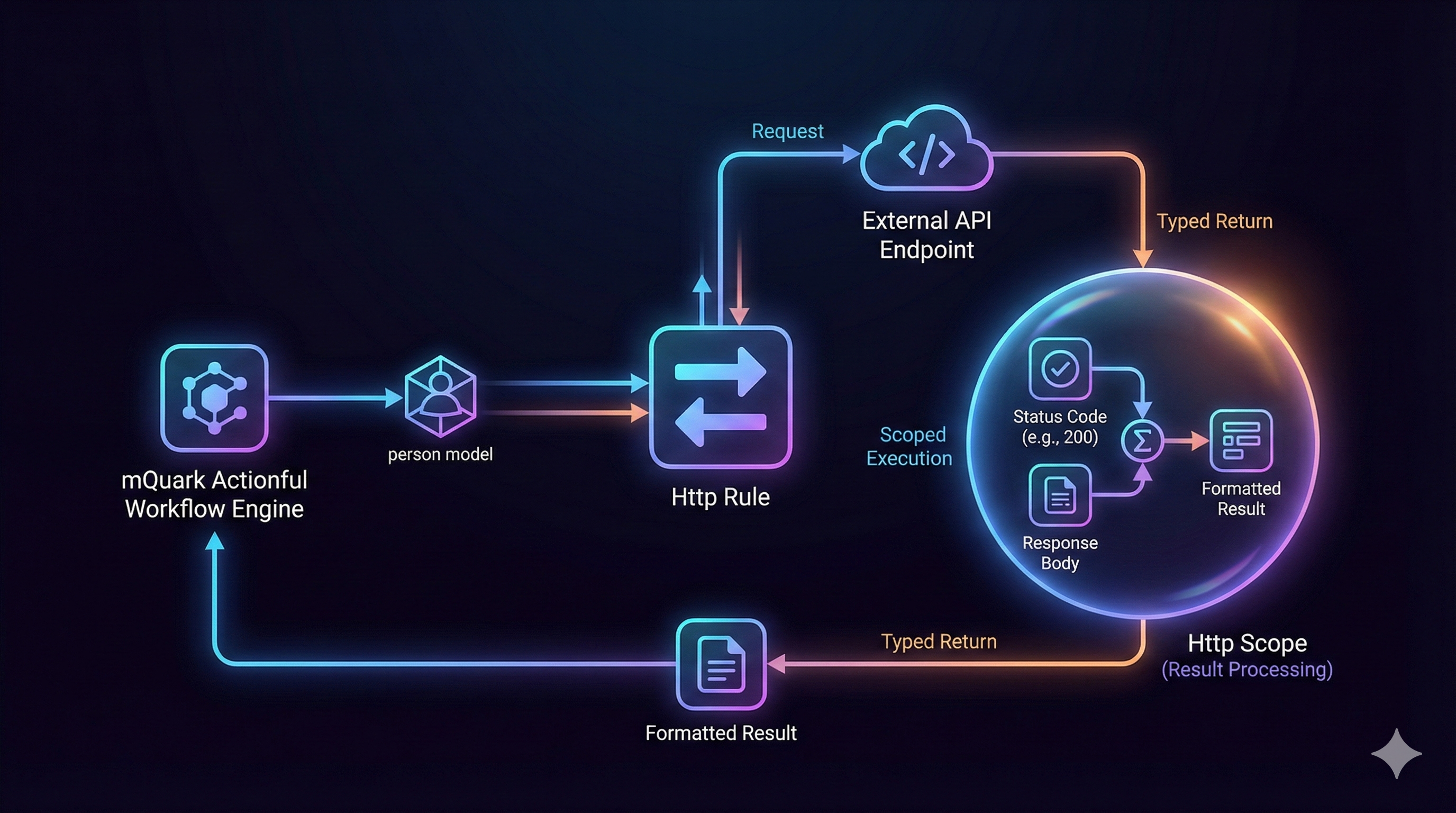
A webhook call is more than its body — signatures live in headers, event routing lives in paths and query strings. Actionful captures the entire HTTP envelope and hands it to your workflow as a strongly-typed value, using a new built-in shape available in every space:
mq-webhook-input gives your rules typed access to:
| Field | What it holds |
|---|---|
method | The HTTP method used |
path | Sub-path remainder, if sub-paths are enabled |
query | Query string parameters |
headers | All received headers — including provider signature headers |
sourceIp | The sender’s IP address |
contentType | The request’s content type |
body | The raw body, byte-exact |
receivedAt | UTC receive timestamp |
That byte-exact body matters: HMAC signature verification (Stripe’s Stripe-Signature, GitHub’s X-Hub-Signature-256) requires the raw payload, exactly as sent. With the envelope, verifying a provider signature is ordinary rule logic — hash the raw body with your signing secret, compare against the header, then parse the JSON with FromJson and get on with your workflow.
And when you want to control what the sender gets back, the companion shape mq-webhook-output lets your workflow set the response statusCode, headers, and body explicitly.
Your Existing Endpoints Already Work
Here’s the part we’re most pleased with: you don’t have to adopt the envelope shapes to use webhooks. Dispatch is driven by your endpoint’s types:
- If your endpoint’s input type is
mq-webhook-input, it receives the full envelope. - If it’s anything else, the webhook forwards the raw request body — so any existing endpoint works as a webhook target, unchanged.
- Symmetrically, if your output type is
mq-webhook-output, you control the HTTP response; otherwise your output is returned as JSON with a200.
Enable the webhook on an endpoint you built last year, hand the URL to a provider, and it just works.
Observability Included
Because the envelope is the workflow input, every webhook call — including async fire-and-forget ones — shows up in Endpoint Activity like any other invocation. You see what arrived, when, and what your workflow did with it. Sync-mode error mapping is designed for sender retry logic: validation problems return 400, engine failures return 500, and every response carries the workflow instance ID once scheduling succeeds, so you can always trace a delivery to its run.
Gluon Speaks Webhook Too
Naturally, Gluon AI can manage all of this conversationally. Ask it to enable the webhook on an endpoint, restrict it to POST, switch it to async, or read back the current URL — Gluon operates the same management surface the UI uses.
Get Started in Two Minutes
- Open any endpoint in app.mquark.com and switch to the Webhook tab.
- Copy the URL (newly deployed endpoints are enabled by default; older ones need one click to enable).
- Paste it into your provider’s webhook settings.
That’s it. Your workflow is now an event receiver.
This release is the foundation for more to come — provider presets with built-in signature verification, capture inboxes with replay, and delivery guarantees like retries and deduplication are all on the roadmap, layered on the same webhook you enable today.