· mQuark · Technical Guides · 3 min read
Extending Workflows: Creating Custom User Functions with JavaScript
Learn how to write, sandbox, and debug custom JavaScript logic within your Actionful workflows.
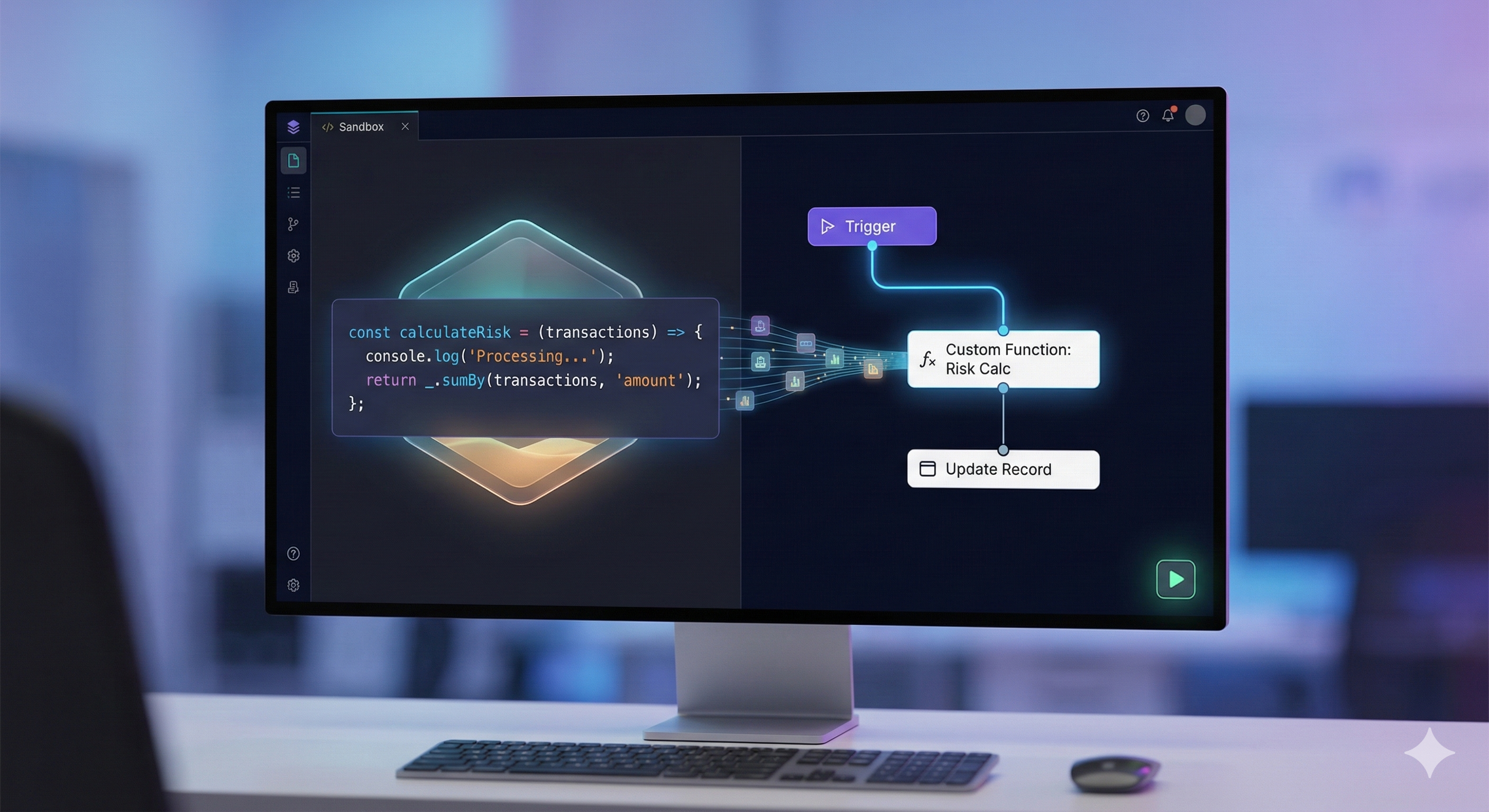
While Actionful’s built-in rules cover a broad range of logic, there are times when your requirements demand the full flexibility of a programming language — complex data transformations, custom algorithms, cryptographic operations, or calls to libraries that don’t have a built-in rule equivalent. User Functions let you inject custom JavaScript (Node.js) code directly into your workflows.
The Execution Environment
User Functions run in a hardened, isolated sandbox. Each invocation is fully isolated from other users and from the platform itself. Common dependencies are cached to keep cold starts fast, while your custom code and workspace packages are loaded fresh per execution.
Writing Your Function
Every User Function is an asynchronous script. You write the logic directly — no module.exports, no wrapper function, no boilerplate.
The Global Context
Inside the sandbox, you have access to:
context.input— the data passed in from the workflow (matches the function’s declaredInputType)console— a proxied console (log,error,warn,info); output is captured and surfaced in the UI- Standard Node.js globals —
Buffer,setTimeout,setInterval,clearTimeout,clearInterval
Example: Risk Score Calculation
const transactions = context.input.transactions;
const weights = { high: 1.5, medium: 1.0, low: 0.5 };

const _ = require('lodash');

const totalRisk = _.sumBy(transactions, (tx) => {
  console.log(`Processing transaction: ${tx.id}`);
  return tx.amount * (weights[tx.priority] || 1.0);
});

return {
  score: totalRisk,
  timestamp: new Date().toISOString(),
};
The return value becomes the function’s output, matched against the declared OutputType.
Managing Dependencies with NPM
One of Actionful’s most useful features is first-class NPM support. You manage packages at the Workspace level, making them available to every User Function in that workspace.
Adding Packages
Open your workspace’s Space Config and add entries to the package list:
{ "lodash": "4.17.21" }
{ "axios": "1.6.7" }
Once saved, packages are immediately available via require() in your functions — no deployment step, no CLI needed.
Debugging and Logs
Actionful captures all console output and surfaces it alongside the execution result in the UI, so you can see exactly what your function did.
- Log cap: Up to 1,000 lines of output per execution to keep logs focused.
- Error detail: If your script throws, the captured logs are included with the error and stack trace, giving you full context to diagnose the problem.
Safety and Restrictions
The sandbox enforces strict limits to maintain platform stability:
- Blocked modules: Dangerous Node.js built-ins (
child_process,fs,net,os, and others) are not accessible. - No file system access: Relative and absolute
require()paths pointing to the host file system are rejected. - Execution timeout: Every function has a strict timeout. Long-running functions are terminated to protect the platform for all users.
These restrictions are intentional and non-negotiable. They ensure that one user’s runaway function cannot affect another’s.
Integrating with Workflows
Once your function is ready, call it from any rule tree using the CallFunction rule:
<CallFunction Reference="my-function-name">
  <CallFunction.Input>
    <GetInput />
  </CallFunction.Input>
</CallFunction>
The engine passes your workflow data to the function, executes it in the sandbox, and returns the result — fully typed against the function’s declared OutputType. If the returned value doesn’t match the declared type, the workflow raises a validation error.